Every tattoo design tool you need, ready in Procreate
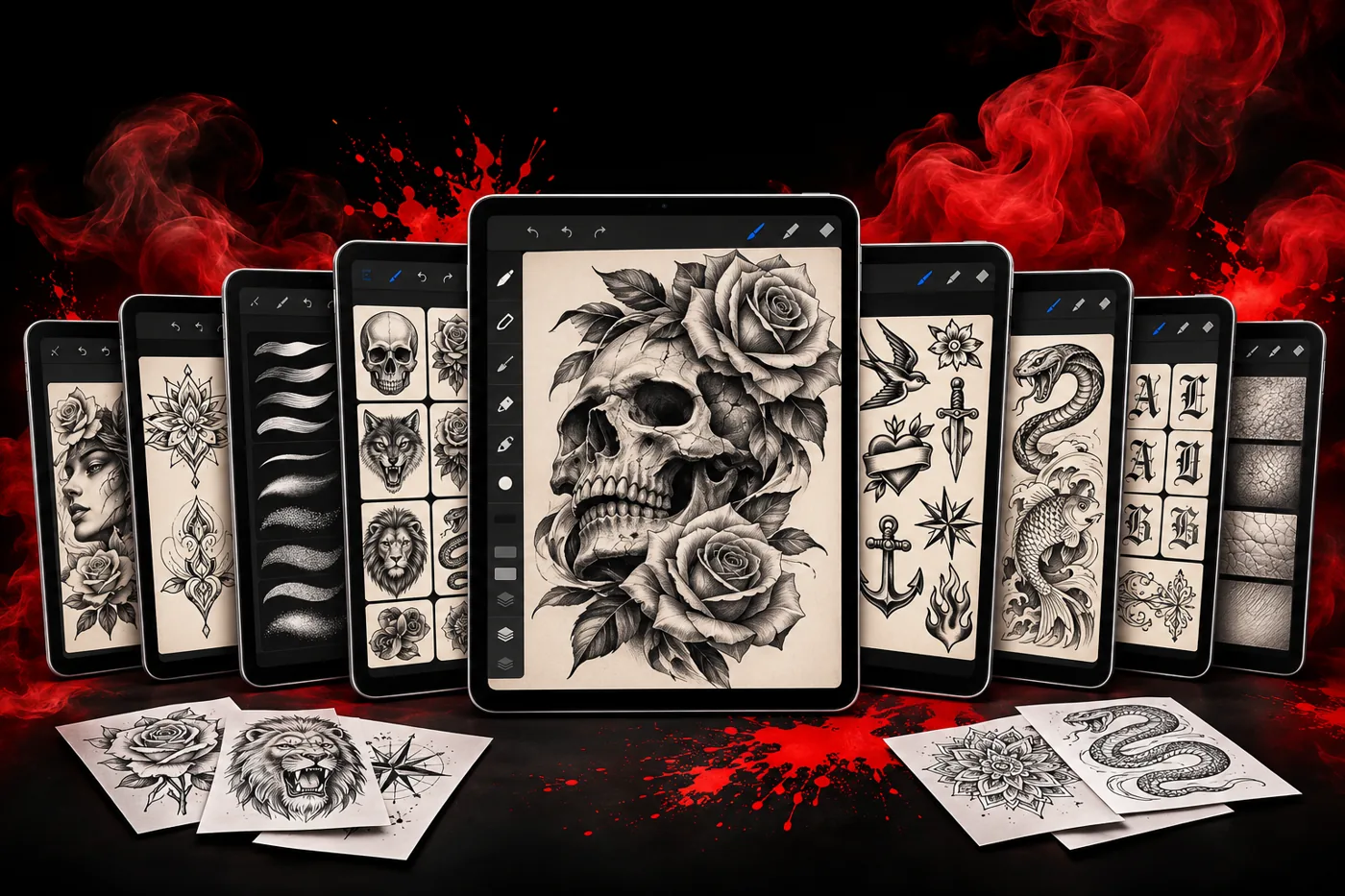
Less drawing at night.
More time tattooing.
2,600+ stencils, 500+ flash designs, 24 3D body models and pro brushes. Ready to use in Procreate, Photoshop and the apps you already have.
🔥 91% off · Get the toolkit →★★★★★ Made for working tattoo artists and apprentices
Worried you won't know how to set it up?
Install guide
Download to first design, one screen at a time.
Every app covered
Clear steps for Procreate, Photoshop and the rest. No tech skills needed.
Real support
Stuck on an import? Write us and a person answers.
★ Most artists have it running before their next client.
We know. You've been burned before.
Most brush packs look great in the ad and fall apart on the iPad
So we built this one the way you work: files that open on the first try, folders named so you can find a skull at 9 p.m. with a client waiting, and a library that keeps growing.
🔥 91% off · Get the toolkit →Sound familiar?
Most tattoo packs promise the world and leave you stuck. Here's what every artist runs into.
- ✕Files that won't import, broken downloads, nobody answering.
- ✕A client changes the idea and you redraw from scratch.
- ✕Drawing tomorrow's customs after today's last client.
- ✕Brushes that look too digital, never like real ink.
- ✕Stencils that print grey and won't transfer clean.
- ✕Mega bundles full of filler you'll never use.
It's not you. It's the tools.
One toolkit. Everything you need.
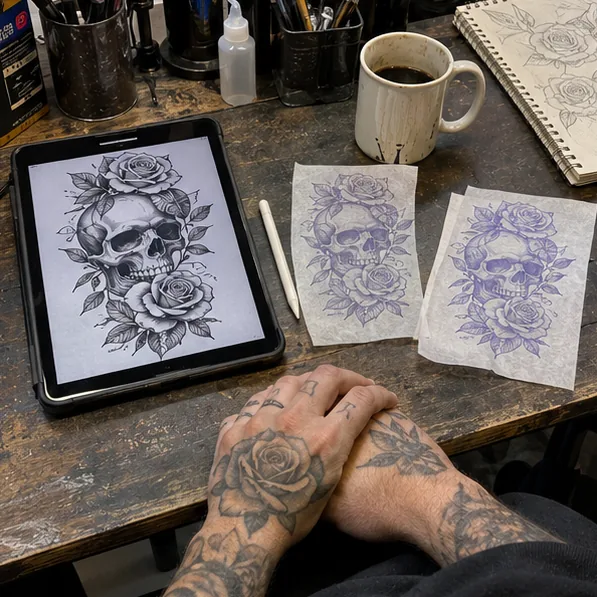
Stop piecing together broken packs. The Ink Vault gives you 4,250+ tattoo design tools, organized by style, ready to use and built to last.
Use it in every app you already own
Procreate, Photoshop, Affinity, Clip Studio Paint and Photopea. .abr files included, so switching apps never breaks your flow.
Works with every current version of Procreate.
What's inside
No filler. Every tool is built to be used. Fine line to traditional, blackwork to ornamental.
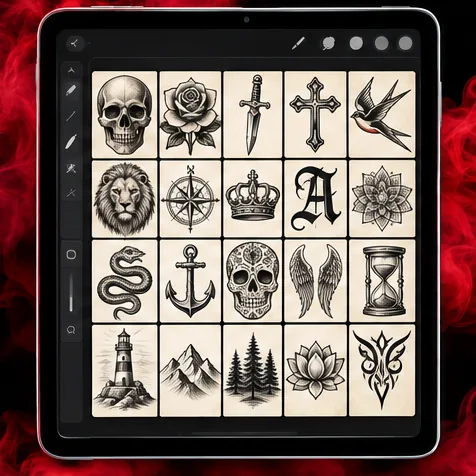 2,600+
Stencils & stamps
Ready-to-use designs for any piece.
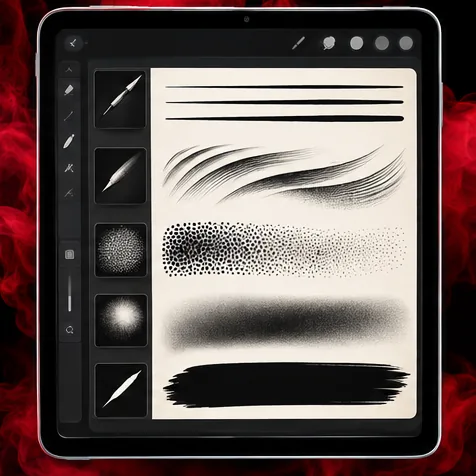 650+
Brushes & shaders
Liners, whip and pepper shading that reads like real ink.
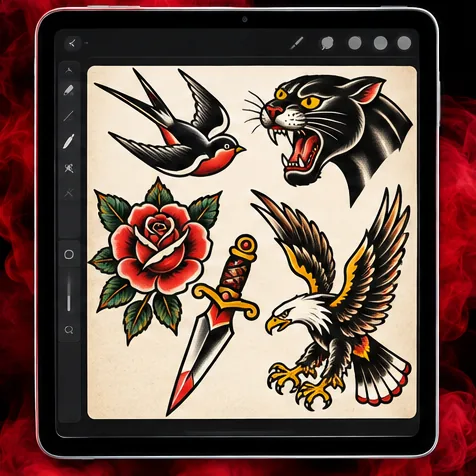 500+
Flash designs
Finished flash you can offer clients today.
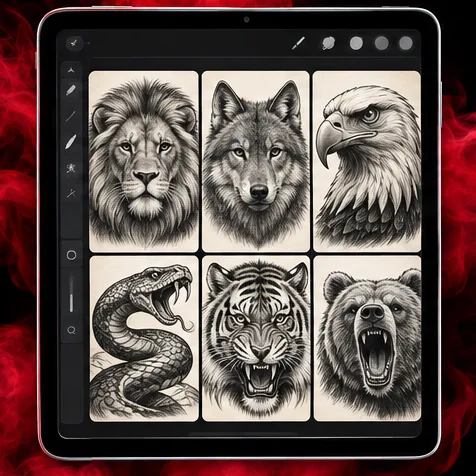 400+
Animal stencils
Lions, snakes, eagles, wolves. Clean and detailed.
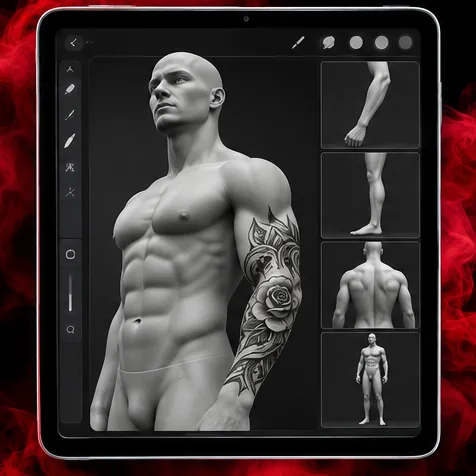 24
3D body models
Show placement on the body before the needle.
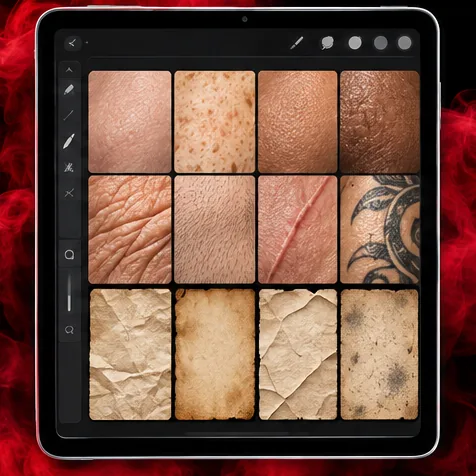 35
Skin & paper
Mock up designs on realistic skin and paper.
Plus 40+ tattoo fonts and number sets, organized in the same library.
🔥 91% off · Get the toolkit →Plus 4 powerful bonuses
Everything you need to install, print, present and customize, on the house.
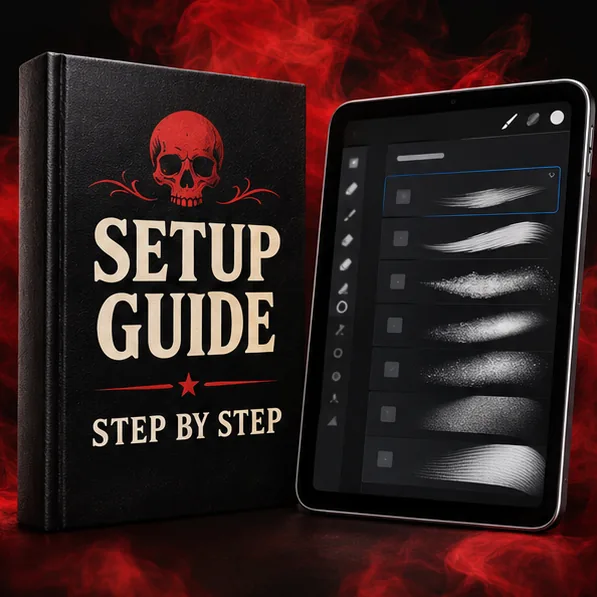
Step-by-step setup guide
Get set up in minutes. A clear guide walks you through the install and your first design, app by app. Zero tech headaches.
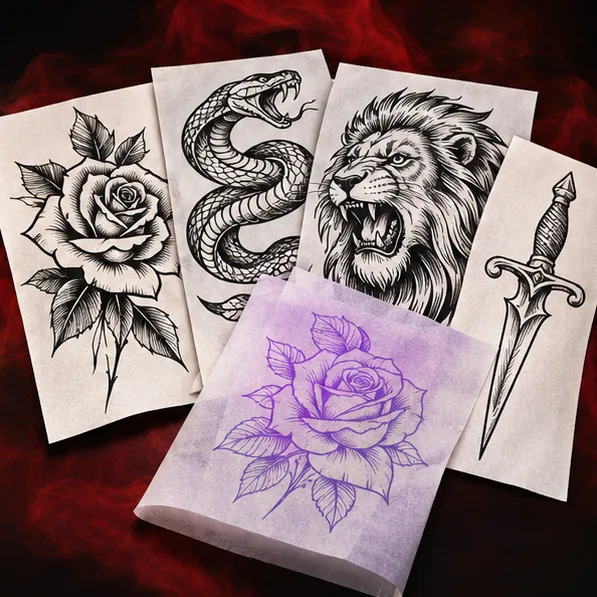
Ready-to-print PDF stencils
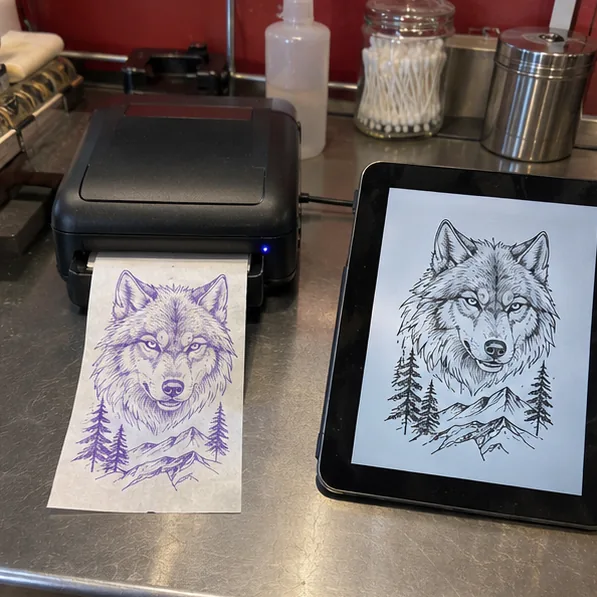
Print and transfer in seconds. High-contrast stencils ready for paper and thermal printers. No prep, no grey lines.
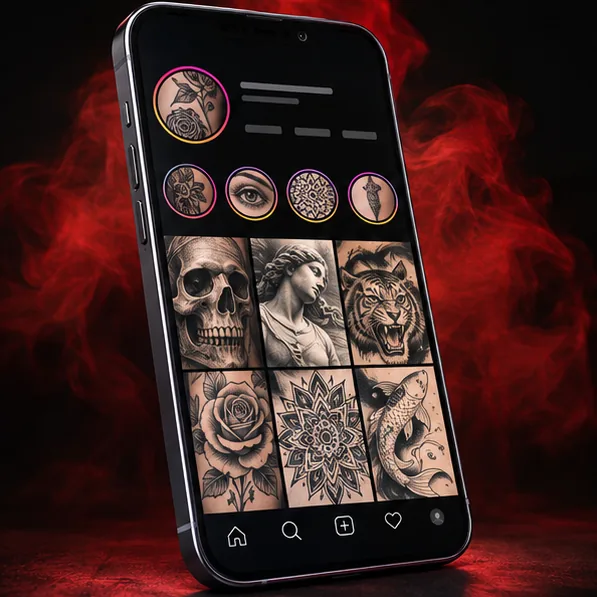
140+ social media templates
Fill your feed and book more clients. Editable stories, posts and highlight covers, plus a business card and an aftercare card.
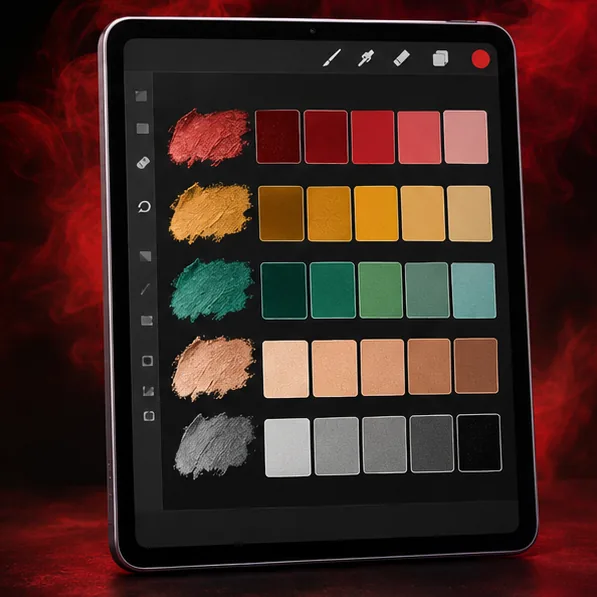
50 color palettes
Pro color, ready to drop in. 50 palettes built for tattoo work. Import and go.
Buy once. It keeps growing.
New packs land in your library at no extra cost. No re-buying, ever.
The biggest drop yet
900+ new tools for custom, high-impact pieces.
- 600 stencils & stamps skulls, mandalas, chicano, polynesian, snakes, japanese, flowers and more.
- 250+ extra brushes as Procreate .brushset and Photoshop .abr.
- Fonts & numbers clean and tattoo-friendly.
- 50 color palettes built for tattoo work.
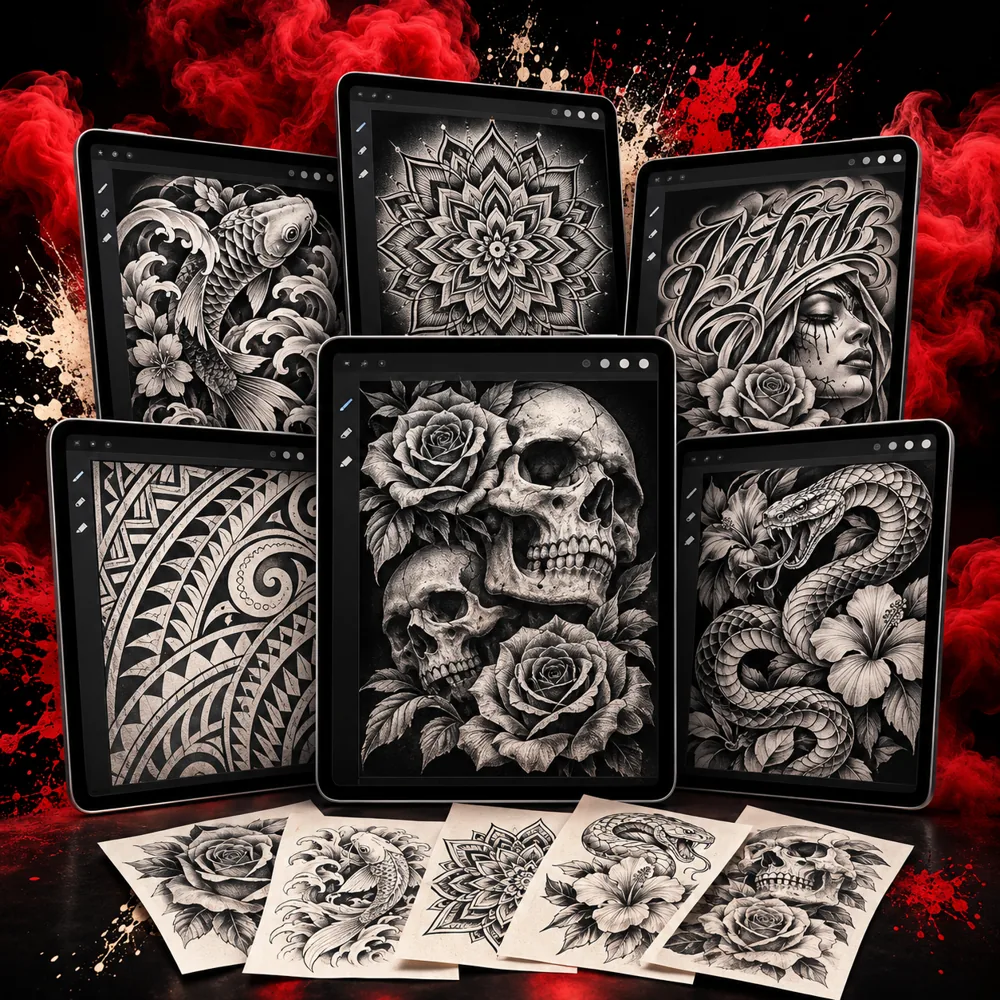
New tools every year. Yours, free, for as long as you own it.
🔥 91% off · Get the toolkit →How it works
Three simple steps, from checkout to your first design.
Download
Right after checkout you get your access by email. Download the packs you want.
Import
Tap the file and it opens in Procreate. The guide shows every other app step by step.
Design
Pull a base, make it yours, send the client a mockup on the body model.
See how easy it is
Everything lives in one organized library you can open any time, on any device.
 🔥 91% off · Get the toolkit →
Real work, real chairs
How artists are using the Ink Vault between clients.
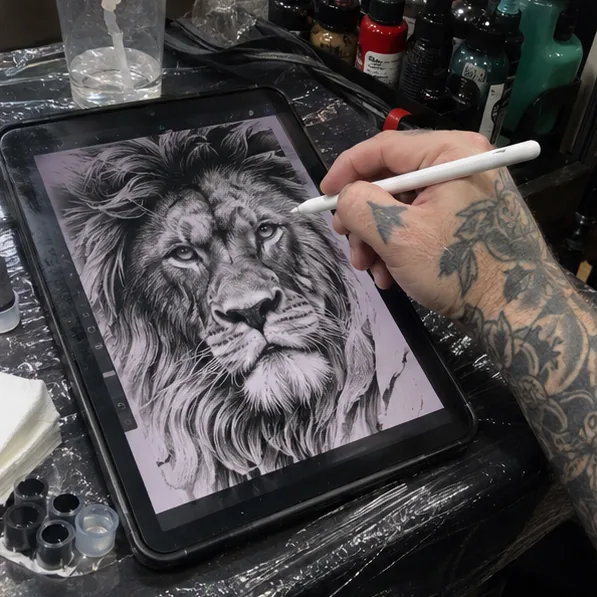
“Custom pieces used to eat my nights. Two, three hours sketching a lion from scratch after a full day on the chair. Now I pull a base from the animal pack, rework it to the client's idea and send the mockup on the arm model before lunch. Four customs booked last week.”
 Marcus D.Tattoo Artist, Private Studio, Phoenix, AZ
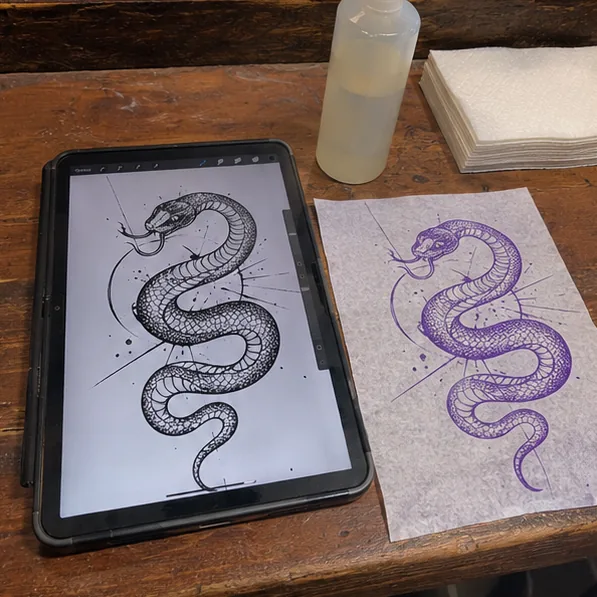
“My mentor kept telling me my linework looked like markers. The liner and whip shading brushes fixed that the first week. My stencils print black now, not grey, and they come off the thermal paper clean.”
 Tyler R.Second-Year Apprentice, Columbus, OH
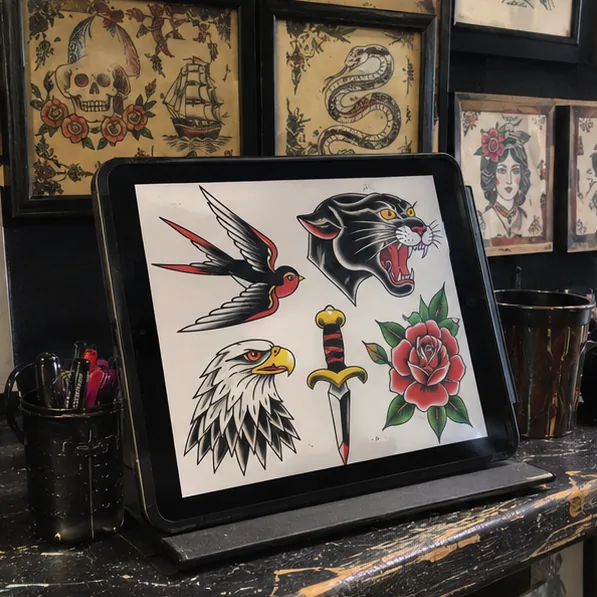
“Walk-ins want to point at a wall and pick. I built three flash sheets from the pack in one Sunday, printed them and hung them by the counter. That wall paid for the kit the first Saturday.”
 Andre W.Walk-In Shop Artist, Houston, TX
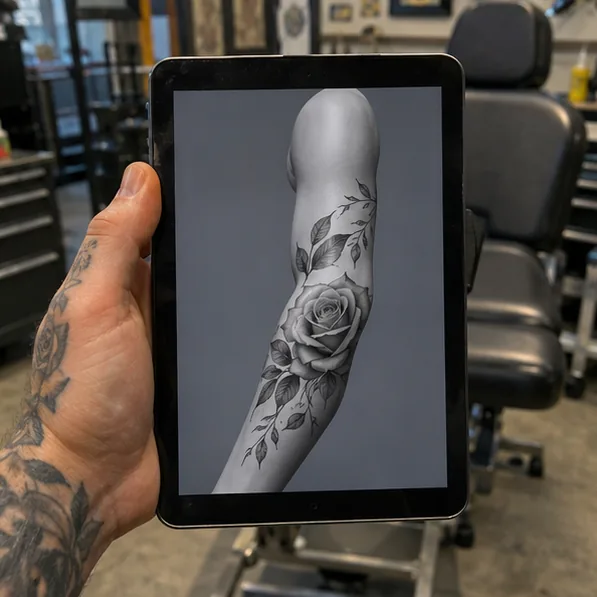
“Clients kept changing their mind after the stencil was on. Now I drop the design on the 3D forearm, rotate it in front of them and they sign off before I open a needle. Fewer redraws, less dead time between sessions.”
 Ryan C.Home Studio Artist, Tacoma, WA
Testimonials are illustrative. Results vary.
Get the full toolkit
One-time payment. Instant access. No subscription.
The Ink Vault
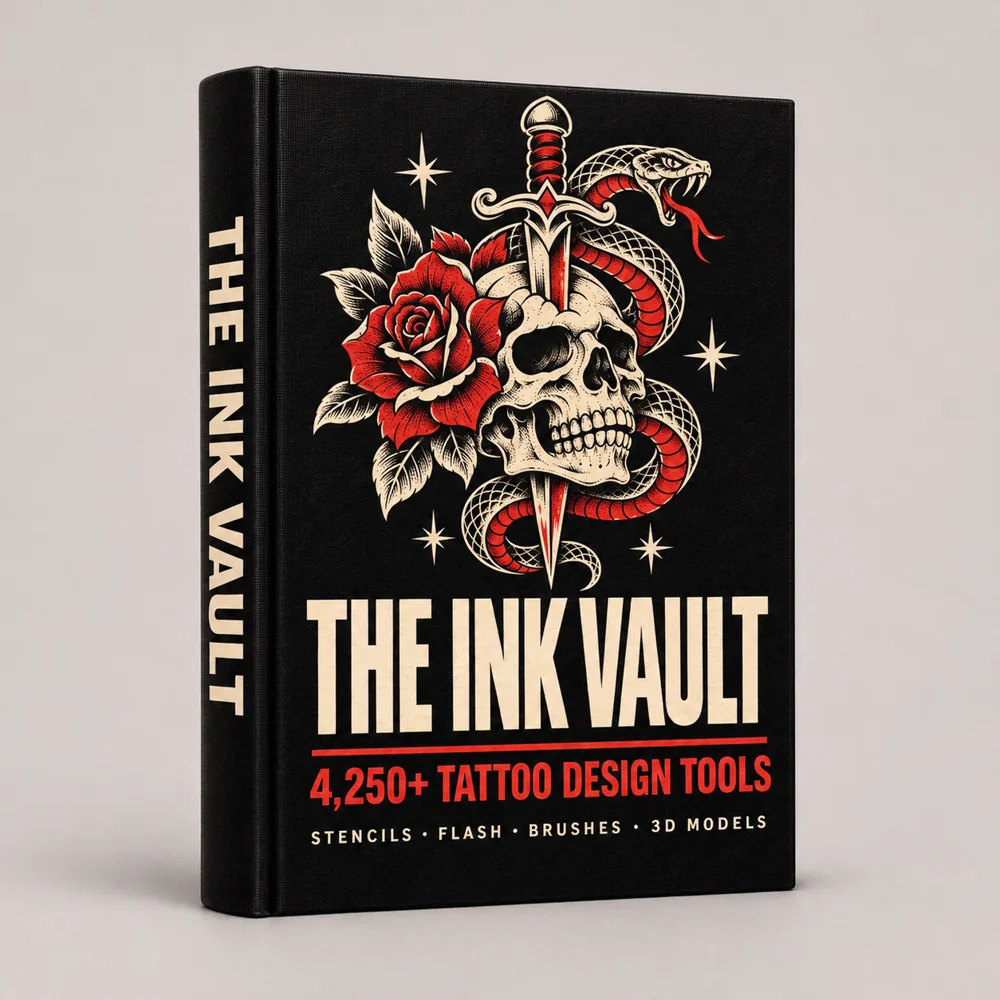
- ✓2,600+ stencils & stamps
- ✓650+ brushes & shaders
- ✓500+ flash designs
- ✓400+ animal stencils
- ✓24 3D & 2D body models
- ✓35 skin & paper textures
- ✓40+ tattoo fonts & numbers
- ✓2026 expansion + free updates
- ✓Bonus 1 Step-by-step setup guide
- ✓Bonus 2 Ready-to-print PDF stencils
- ✓Bonus 3 140+ social media templates
- ✓Bonus 4 50 color palettes
- ✓Procreate .brushset + Photoshop .abr
🔒 One-time payment · Instant access · 7-day guarantee
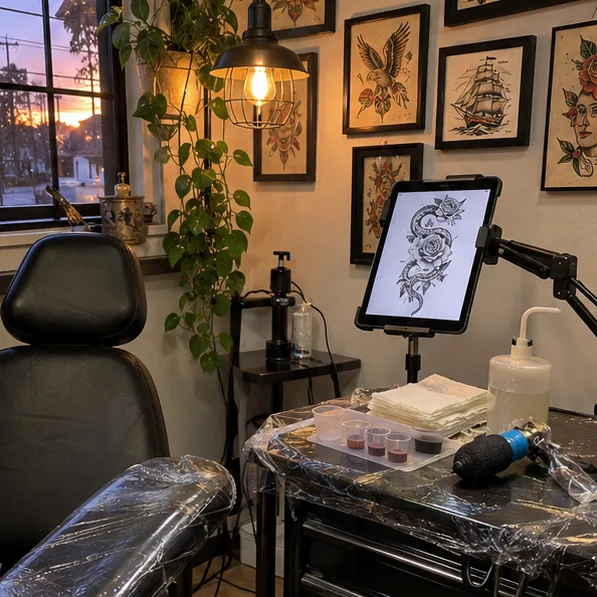
By tattoo artists, for tattoo artists
The Ink Vault started at a station like yours: too many nights redrawing the same rose, the same script, the same lion. We put every base we kept reaching for in one library, organized it the way artists actually look for things and made sure every file opens on the first try.
It's a set of tools, not a shortcut around the craft. You still bring the idea, the linework and the client. The Ink Vault just takes the blank canvas out of the way.
Frequently asked questions
Everything you need to know before you get started.
How do I receive the toolkit?
Right after checkout you get an email with your access. Everything is in one library you can open on any device and download from as many times as you need.
Is this legit? How do I know it's not a scam?
You pay through a secure checkout, you get your access by email in minutes and you're covered by a 7-day guarantee. If it's not for you, write us and we refund.
Which apps does it work with?
Procreate on iPad, plus Photoshop, Affinity, Clip Studio Paint, Photopea and any app that imports .abr brushes.
What formats are the files in?
Procreate .brushset and .brush files, Photoshop .abr brushes, PNG stencils, printable PDF stencils, 3D model files for Procreate and editable templates.
Is it only for Procreate?
No. Procreate is where most artists use it, but the .abr files work in Photoshop and the other apps above.
How do I install the brushes and stencils?
On iPad, tap the file and it opens in Procreate. The setup guide walks you through every app, screen by screen.
Can I use it on more than one device?
Yes. Install it on your iPad, your desktop and your laptop. It's your toolkit.
Will my tattoos look copied?
No. The stencils and flash are building blocks, not finished customs. Combine them, resize them, redraw on top and make every piece fit the client and the body.
Are the stencils good for beginners?
Yes. Apprentices use them to practice clean linework and shading, and working artists use them as a base for custom pieces.
Can I tattoo the designs on clients?
Yes. Use them in your work and adapt them for your clients. What you can't do is resell or share the files themselves.
Does it work on every version of Procreate?
It works on every current version of Procreate. The 3D models need Procreate 5.2 or newer, like any 3D file in Procreate.
Is this a tattoo course?
No. It's a design toolkit. It doesn't replace your training, your apprenticeship or your state's licensing and safety rules.
Start designing like a pro, today
Everything you need to design cleaner, faster custom pieces, in one toolkit, ready in minutes.
★★★★★ Instant access · 7-day guarantee · Free updates
🔥 91% off · Get the toolkit →One-time payment · Lifetime access · No subscription